
Insights2 min read
Dockerizing a .NET Application: Lessons from the Real World
Dhananjay Gupta
Docker looked simple at first: write a Dockerfile, build an image, and run a container.
After migrating a real-world .NET application to Docker, I realized the real challenge wasn’t writing the Dockerfile — it was understanding everything the application depends on.
- Multi-Stage Builds Matter
- For .NET applications, I used a multi-stage Docker build.
- Dockerfile
FROM mcr.microsoft.com/dotnet/sdk:8.0 AS build
# Build and publish

FROM mcr.microsoft.com/dotnet/aspnet:8.0
# Run the published application
The SDK is used only for building, while the final image contains just what’s needed to run the application. This keeps the production image smaller and cleaner.
- localhost Isn’t What You Think
- This was one of the biggest lessons. If the .NET application and SQL Server are running in separate containers, this won’t work:
- Connection string
Server=localhostInside a container, localhost refers to that container itself.
With Docker Compose, services can communicate using their service names:
Connection stringServer=sqlserverUnderstanding Docker networking made troubleshooting much easier.
- Containers Are Disposable
- Your application container can be recreated at any time. Your database shouldn’t be.
For SQL Server, I used Docker volumes to persist database files:
docker-compose.ymlvolumes: - sql_data:/var/opt/mssqlThe important distinction is:
- Container — runtime.
- Volume — persistent data.
- depends_on Doesn’t Mean “Ready”
- Starting SQL Server before the .NET application doesn’t guarantee SQL Server is ready to accept connections.
That’s where health checks and application-level retry logic become important.
This also taught me an important distributed-systems principle: dependencies can be temporarily unavailable, and applications should handle it.
- Docker Compose Simplifies Everything
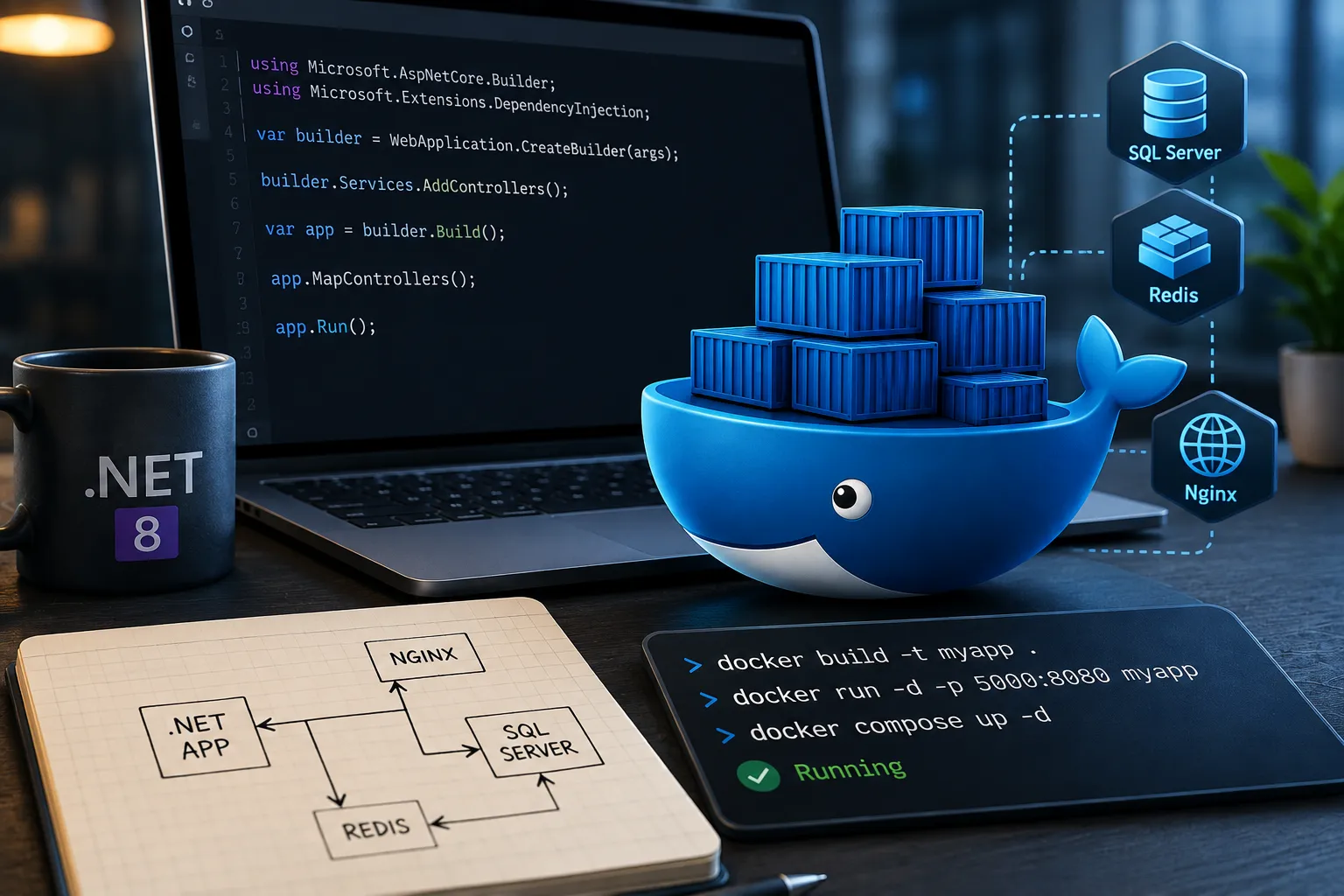
- Once the application required .NET, SQL Server, Redis, and Nginx, Docker Compose became extremely useful.
Instead of manually starting each service, the entire stack could be managed with two commands:
Shelldocker compose up -d docker compose down
In closing
The biggest lesson wasn’t Docker syntax. It was learning to think about an application as a collection of explicit dependencies: application, runtime, configuration, database, cache, storage, networking.
Docker didn’t magically fix these dependencies. It forced me to identify and define them properly. That’s what made the migration valuable.
If you’re migrating your first .NET application to Docker, don’t just focus on creating the image. Understand what your application needs to run — and make every dependency explicit.